
N° 01 — WHAT CUSTOM ACTUALLY MEANS
The difference is the detail.
Off-the-shelf training has its place. It's quick to buy, quick to roll out, and for genuinely general subjects it does the job perfectly well.
The difficulty starts when the subject isn't general — when your procedures, your equipment or your risks are specific to how you work. A stock course can only get so close, and learners notice when the examples don't match the job.

AN OFF-THE-SHELF COURSE
-
Generic examples
-
Someone else's brand
-
Fixed content you can't change
-
Scenarios set in a workplace that isn't yours
- Assessment that tests reading

A COURSE BUILT FOR YOU
- Your procedures, your equipment, your language
-
Your brand, typefaces and colours
-
Updatable the moment something changes
-
Scenarios your learners recognise straight away
-
Assessment that tests judgement
N° 02 — TWO WAYS TO BUILD
Two tools. Two different jobs.
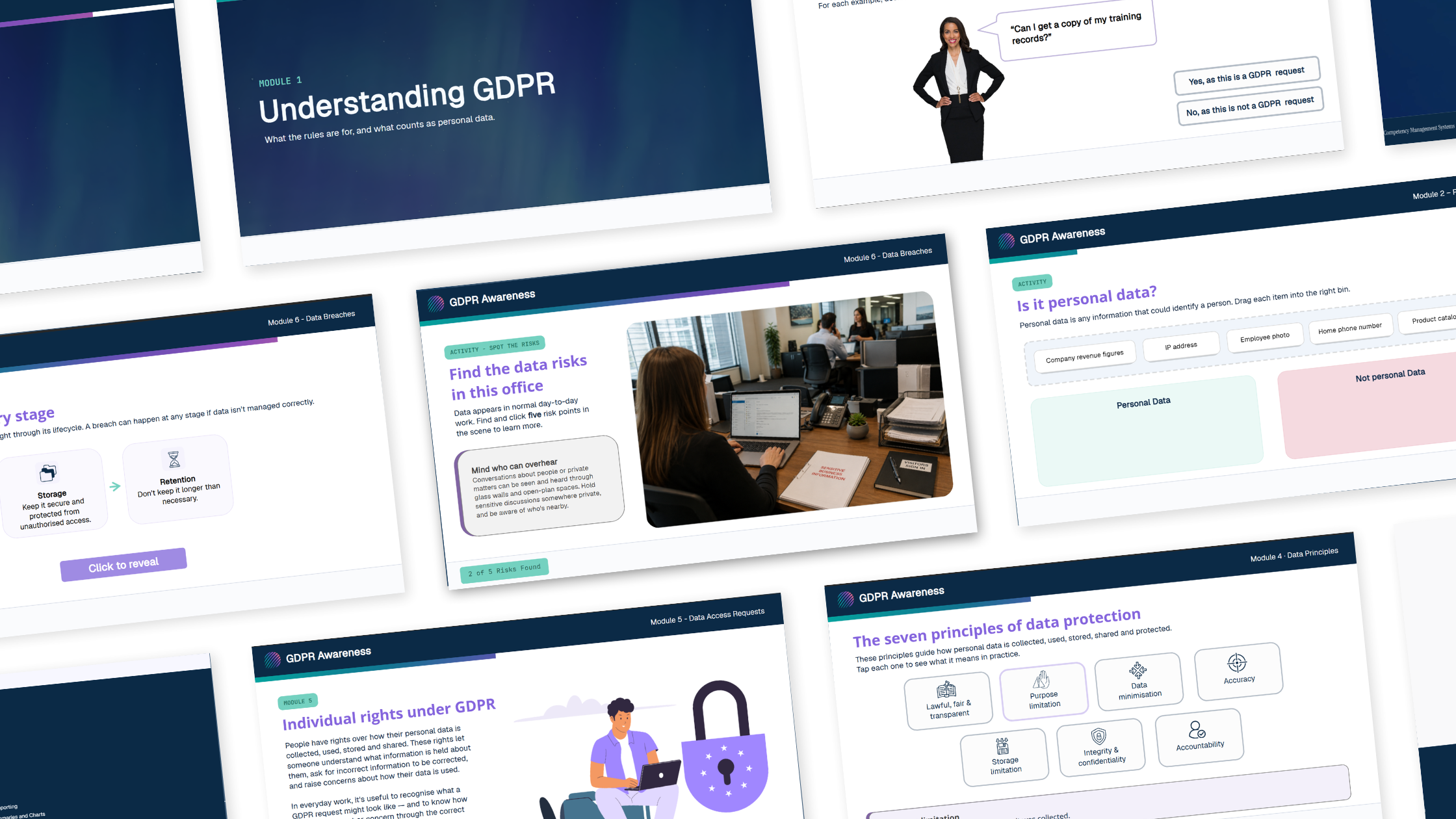
Articulate Storyline
Screen by screen, with the sequence under your control.
Right when
The learning depends on order, decisions or practice. You decide what a learner sees and when they see it.
What it does well
Branching scenarios, dialogue simulations, drag-and-drop, hotspots, timed decisions, custom assessment. Anything where a learner has to act rather than read.
Articulate Rise
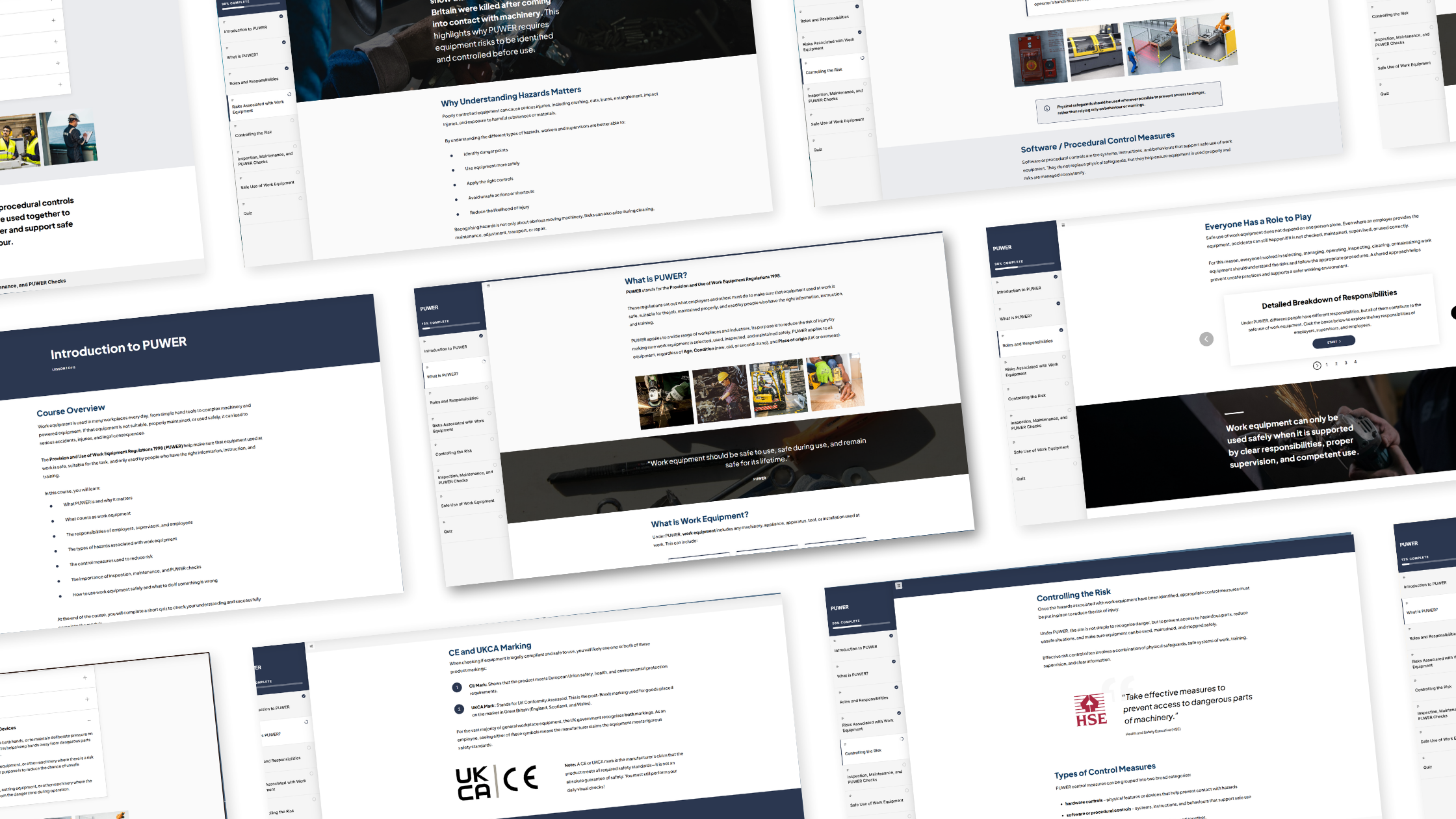
A scrolling page, paced by the learner.
Right when
The content is clear and ordered, needs to reach a lot of people, and learners are best left to move through it themselves.
What it does well
Responsive on any device without extra work, quick to update, and straightforward to hand over if you want to maintain it in-house.
It isn't a question of which is better, or of one being for knowledge and the other for skills. Either can carry either. What decides it is whether learners should move through the material themselves, or whether the learning depends on a sequence we hold. We'll tell you which we think fits, and why, before anything gets built.
N° 03 — WHERE CUSTOM CODE COMES IN
Past what Rise does on its own.
Rise is built for scrolling content, and there is a ceiling to how interactive it gets out of the box. Storyline sits well past that ceiling — but not every course needs a full screen-by-screen build to get there.
So we write the interaction ourselves and drop it into the Rise course as a block. A drag-and-drop task, a custom assessment, a guided walkthrough, a piece of equipment a learner can explore — built in HTML, styled to your brand, working on touch and mouse alike.
Set the ladder at a safe working angle. Drag the base.
Each one is a single self-contained file with no plugins and no external dependencies, which means nothing breaks quietly two years from now when something else updates.
N° 04 — WHAT LEARNERS ACTUALLY DO
The varied activities available in our courses
N° 05 — CERTIFICATES
Something to show at the end.
Completion should leave your learners with something, and leave you with a record. We build branded certificates that issue when a learner meets the criteria you've set — not just when they reach the last screen.
- Designed to your brand rather than the authoring tool's default
-
Learner name, course title and completion date filled in automatically
-
Issued on passing assessment, not simply on finishing
-
Downloadable as a PDF the learner keeps
Where training needs refreshing, certificates can carry a renewal date — which matters if the same course sits inside a wider competency picture.
Competency Management Systems ↗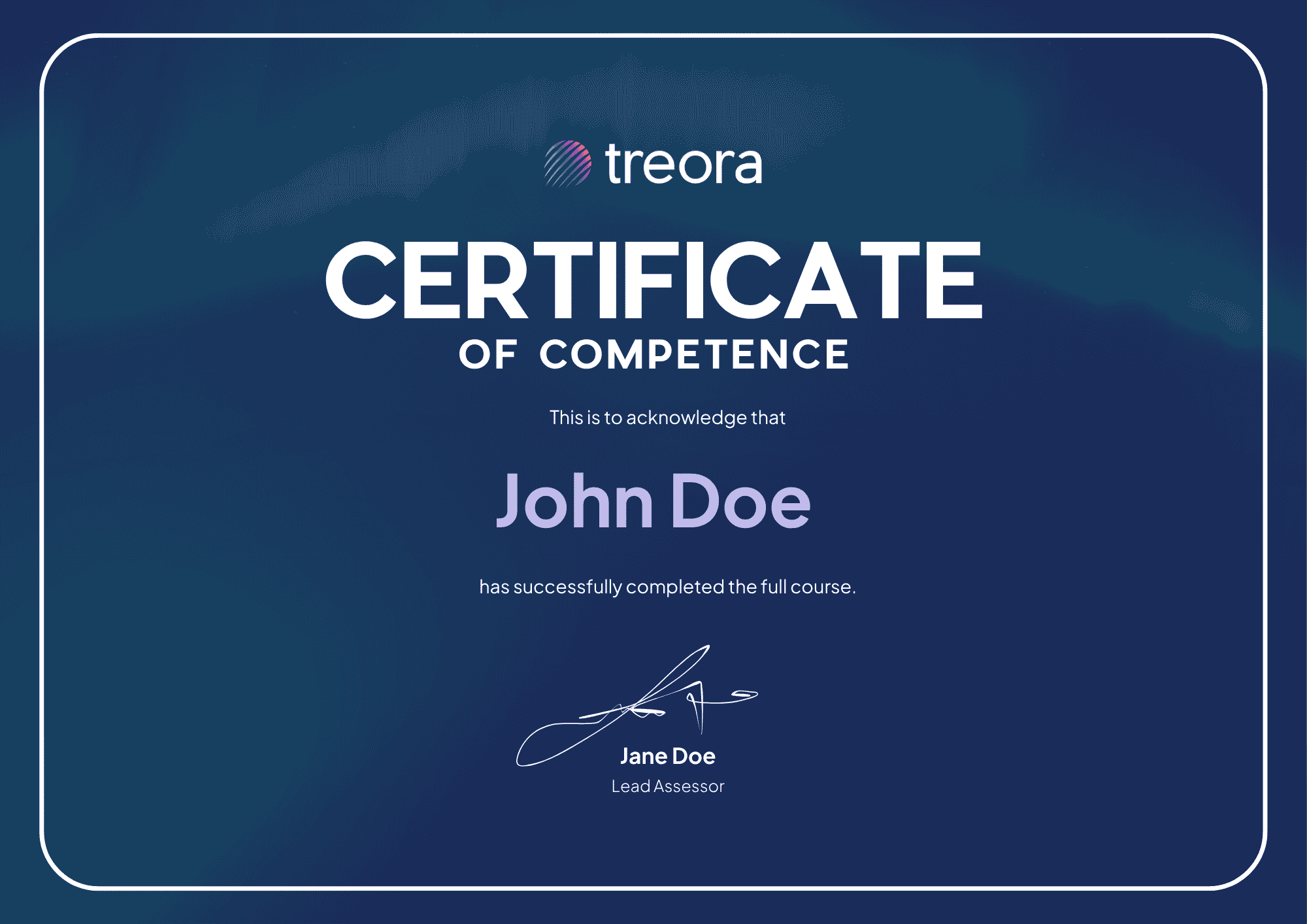
N° 06 — HOW A BUILD RUNS
All five stages, explained
N° 05 — WORK WITH US
Tell us what your people need to know.
Send us the subject and who's taking it. We'll come back with how we'd build it, and why.